



Tengzhong Relocates to Serve You Better
24/12/2024
Beat Eye Strain: Choose Laptop Screens Wisely
01/04/2025Laptop Flicker in Enterprises: Expert IT Fixes

With the widespread use of laptop, more and more users will encounter various problems during use, among which the laptop screen jump problem is particularly common. The screen jump phenomenon is manifested as flickering, jumping or irregular changes in the screen display content, which brings great trouble to the user’s visual experience.
This article will provide some effective solutions for the computer screen jump problem to help users quickly resume normal computer use.
1.Check and adjust the screen refresh rate
The reason for this situation is usually that the refresh rate of the computer monitor does not match the computer display settings. Simply put, the refresh rate of the computer is not set correctly.
Solution: Adjust the refresh rate to match the specifications of the monitor. In Windows system: right-click on the desktop, select “Display Settings”, scroll down to “Advanced Display Settings”, click “Display Adapter Properties”, select “Display” to set, and then change the refresh rate to a suitable value. In macOS system: Go to “System Preferences”, select “Display”, click the “Display” tab, and then adjust the refresh rate.
2.Cable or connection failure
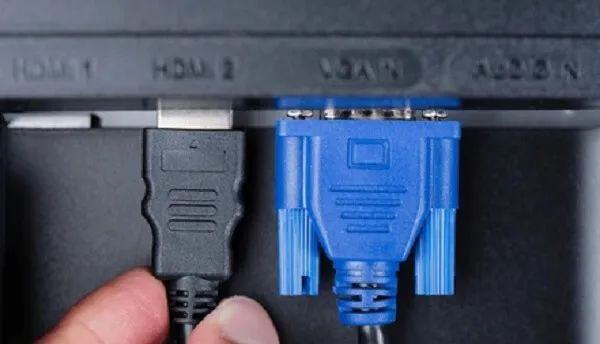
Cable or connection failure is most likely caused by loose, unqualified or damaged cables or connectors between the computer and the monitor.
Solution:
① Check and reinstall all cables and connections to make sure they are firmly connected. If this is confirmed to be the cause, you can try using a different cable or connector.
② If you are using a high-resolution or high-refresh rate display, the cable connecting the computer and the display may be running at full bandwidth. If the length exceeds the limit, the signal may drop and become unstable. Please check the specifications of the cable (HDMI/DP/VGA, etc.), including the resolution and refresh rate it supports, and the corresponding transmission length limit.
3.Outdated graphics driver
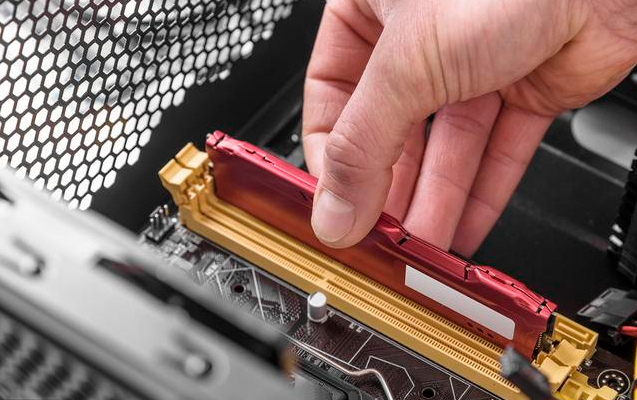
If you are using an incompatible or outdated graphics driver, it is likely to cause the display to flicker.
Solution: Update the graphics driver to the latest version.
On Windows systems: right-click the desktop, select “Display Settings”, scroll down and click “Advanced Display Settings”, click “Display Adapter Properties”, go to the “Driver” tab, and then click “Update Driver”. On macOS systems: Go to “System Preferences”, select “Software Update”, and if there is a graphics driver update, follow the on-screen instructions to install it.
4.Overheating of the display or graphics card
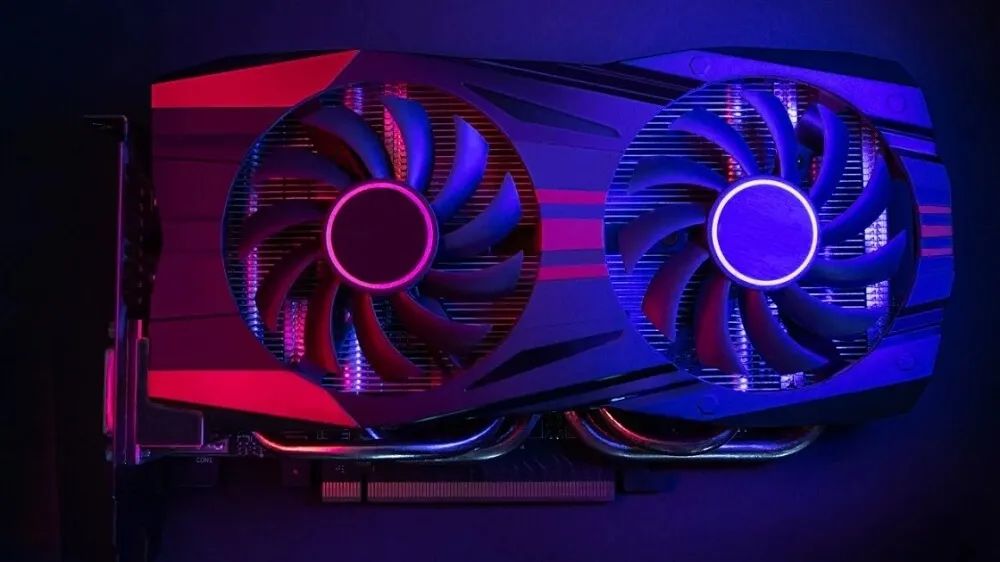
Excessive heat accumulation in the display or graphics card can cause the screen to flicker. Overheating can be caused by insufficient cooling, overclocking, or high room temperature.
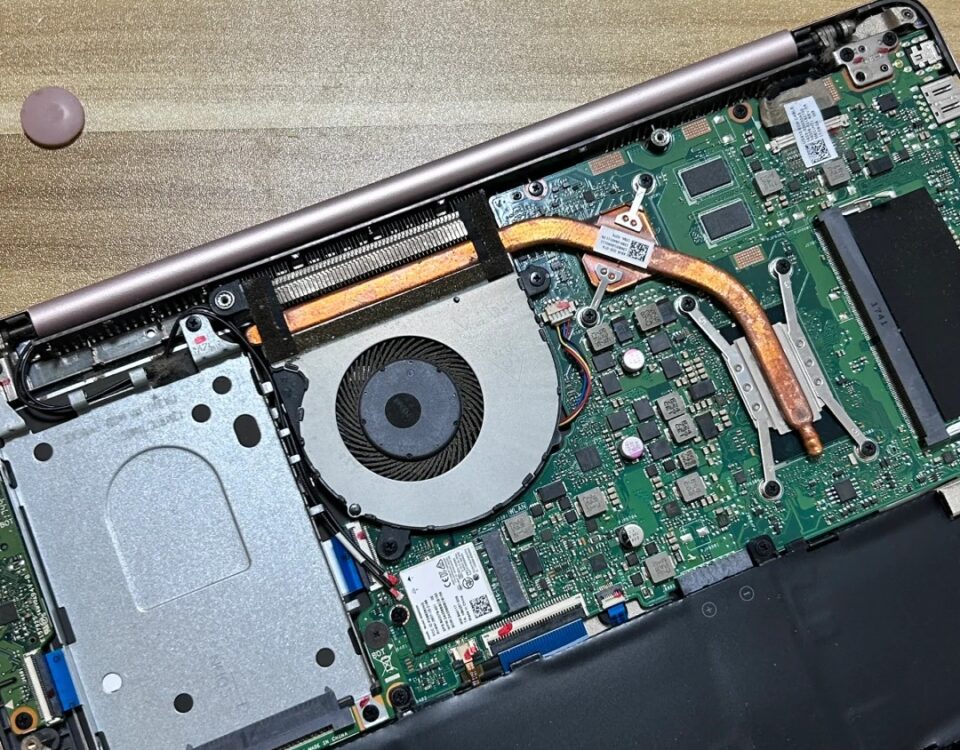
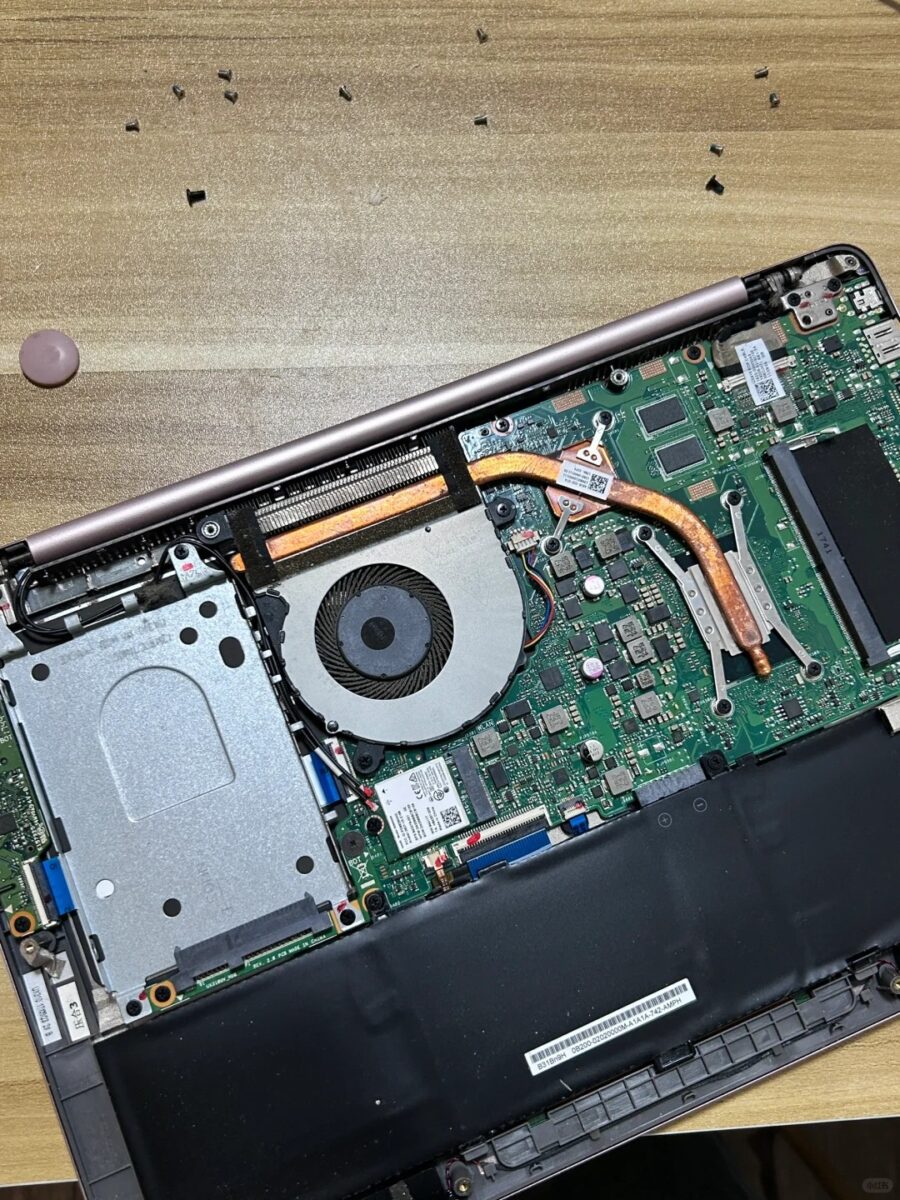
Solution: Make sure your computer has proper ventilation and cooling, and clear any dust or debris from cooling fans and vents. Consider using thermal pads or external fans to prevent overheating. Typically, a computer’s CPU and graphics card have built-in protections to protect them from extreme temperatures.
But when a certain temperature threshold is reached, they may reduce performance to reduce heat, resulting in poor system performance and potential screen flickering. Overheating can cause real damage to your screen over time. Prolonged exposure to high temperatures can damage various components in your computer, including the display, graphics card, CPU, or motherboard. Over time, this damage will manifest as screen flickering or other hardware failures.


16 Comments
Thank you for your sharing. I am worried that I lack creative ideas. It is your article that makes me full of hope. Thank you. But, I have a question, can you help me?
I don’t think the title of your article matches the content lol. Just kidding, mainly because I had some doubts after reading the article. https://www.binance.com/sl/register?ref=GQ1JXNRE
Roobet is pure gambling fun, let’s be honest. Just remember to play responsibly, yeah? If you’re new, this portal offers everything you need to know about Roobet gambling: roobetgambling
Thanks for sharing. I read many of your blog posts, cool, your blog is very good.
Been exploring ph77 recently, and it has nice and simple access. Solid choice, give it a shot ph77
Thanks for sharing. I read many of your blog posts, cool, your blog is very good. https://accounts.binance.com/da-DK/register?ref=V3MG69RO
Gotta say, taigamvip is worth a look. Feels fresh and different. Something that stands out. Give it a shot! Check it out here: taigamvip
Your article helped me a lot, is there any more related content? Thanks!
Thank you for your sharing. I am worried that I lack creative ideas. It is your article that makes me full of hope. Thank you. But, I have a question, can you help me?
Been using Linkviva88 and it’s been a good experience so far. The interface is user-friendly, and the games load quick. Give it a try: linkviva88
Alright, gk8slot is where I go when I’m feeling lucky! They have a decent selection of games and the site is pretty easy to navigate. Give gk8slot a shot if you’re looking for some online slots action.
Heard a few mates talking about kubet19, so I checked it out. It’s not bad, got some interesting betting options. Definitely worth taking a look at kubet19 if you’re into that sort of thing.
Can you be more specific about the content of your article? After reading it, I still have some doubts. Hope you can help me.
Giao diện 188V có nút “Trợ giúp nhanh” ở mọi trang – chỉ cần click là mở cửa sổ chat với CSKH, không cần quay lại trang chủ. TONY03-02O
Thanks for sharing. I read many of your blog posts, cool, your blog is very good. https://www.binance.com/register?ref=JW3W4Y3A
xn88 – Đánh giá tổng quan nền tảng cược trực tuyến an toàn và uy tín không chỉ là một nền tảng giải trí, mà còn là biểu tượng của sự uy tín trong ngành cá cược châu Á. Mọi hoạt động tại đây đều tuân thủ các quy chuẩn quốc tế về tính công bằng. TONY03-11O