


Beat Eye Strain: Choose Laptop Screens Wisely
01/04/2025
HP Laptop Parts: Interchangeability Demystified
14/04/2025Battery Life Crisis: 5 Charging Habits That Will Ruin Your Laptop

We’ve all been there: Your laptop battery once ran like a marathon runner, but now it can’t even last through a Zoom meeting. Who’s to blame? Often, the problem isn’t the battery itself, but the way we charge it. Let’s uncover five hidden habits that are shortening the life of your laptop, and how to fix them.
1.Obsession with 0% to 100%: Fully charged isn’t always a good habit
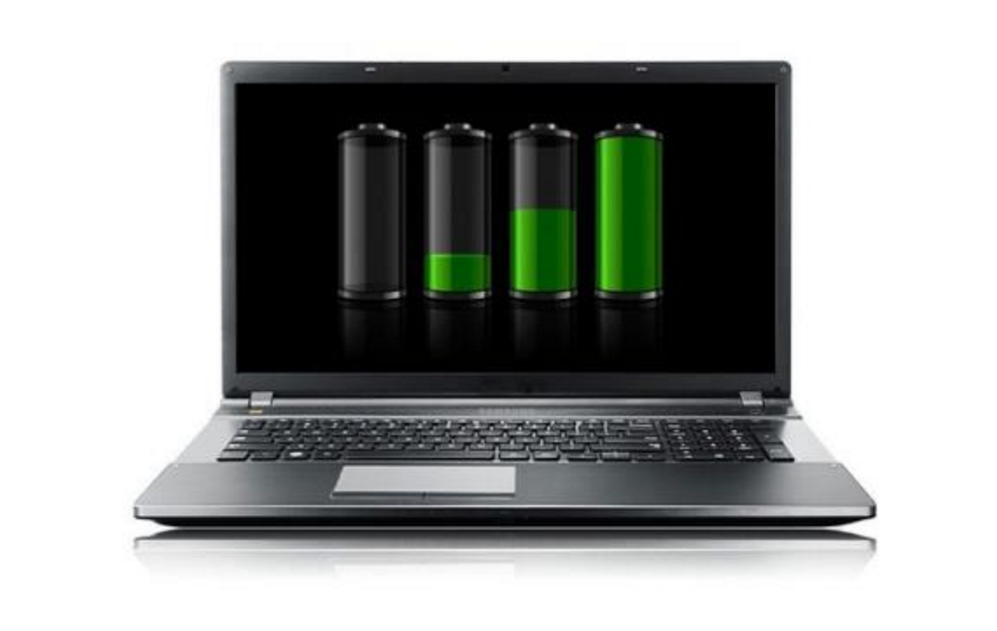
You might think charging your laptop to 100% every day is harmless, but the lithium-ion batteries in most laptops degrade faster when they’re constantly pushed to their limits.
Full charging generates excess heat and accelerates chemical aging, while deep discharges below 20% eat into the battery’s capacity.
So keeping your battery between 20% and 80% can put less stress on your battery and extend its life.
The fix:
a. Enable “battery optimization” mode (like Apple’s “Optimized Battery Charging”).
b. Unplug the power source after charging to 80% for daily use; fully charge the battery when traveling.
2.High temperature: the silent battery killer
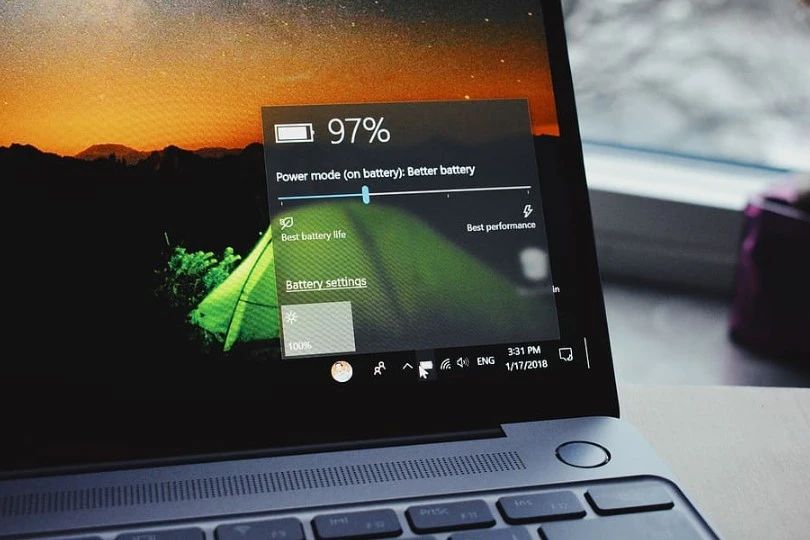
Your laptop doesn’t like “saunas”. For example, leaving it in a hot car, blocking the vents, or charging while playing games, the high temperatures generated in these situations may permanently damage the battery cells.
Apple warns that temperatures above 35°C may irreversibly damage the health of the battery.
Heat accelerates chemical reactions and reduces charging capacity, and long-term overheating charging can cause battery components to deform.
Solutions:
a. Avoid charging while running heavy tasks such as video editing or gaming.
b. Use a cooling pad or elevate the laptop to improve airflow.
3.Using uncertified chargers: playing with safety
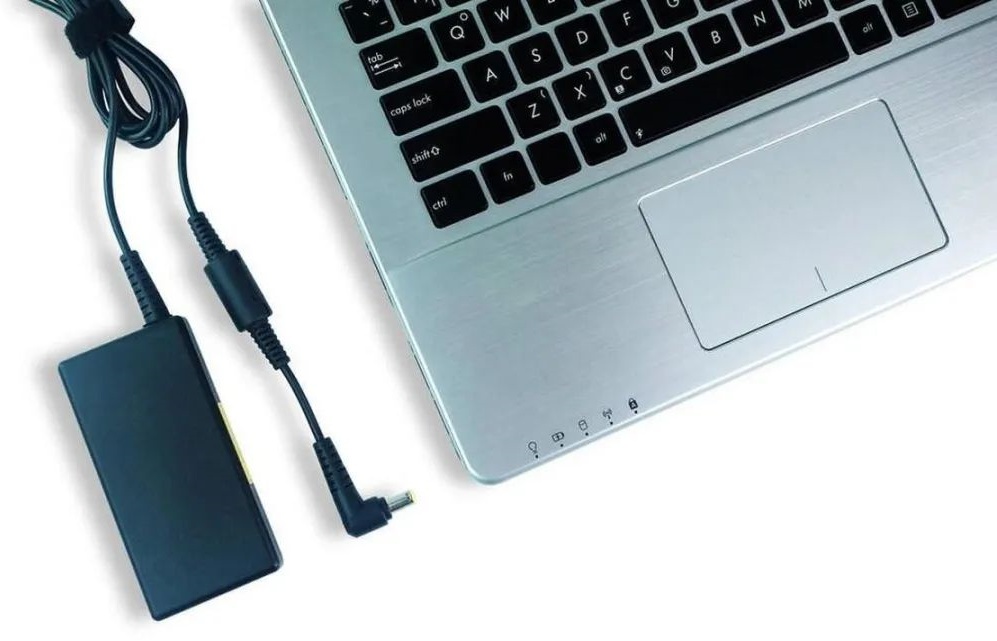
Cheap third-party chargers may save you upfront costs, but they may cost you a battery. Uncertified chargers often have unstable voltage or current, resulting in overcharging or overheating of the battery.
Incompatible chargers can bypass safety protocols and cause the battery to swell or catch fire, and inferior components can reduce charging efficiency.
Solution:
a. Stick with the manufacturer’s charger or MFI-certified replacements (for Apple devices).
b. Check certification logos and user reviews before purchasing replacements.
4.The 24/7 Charging Trap: Overcharging in Disguise
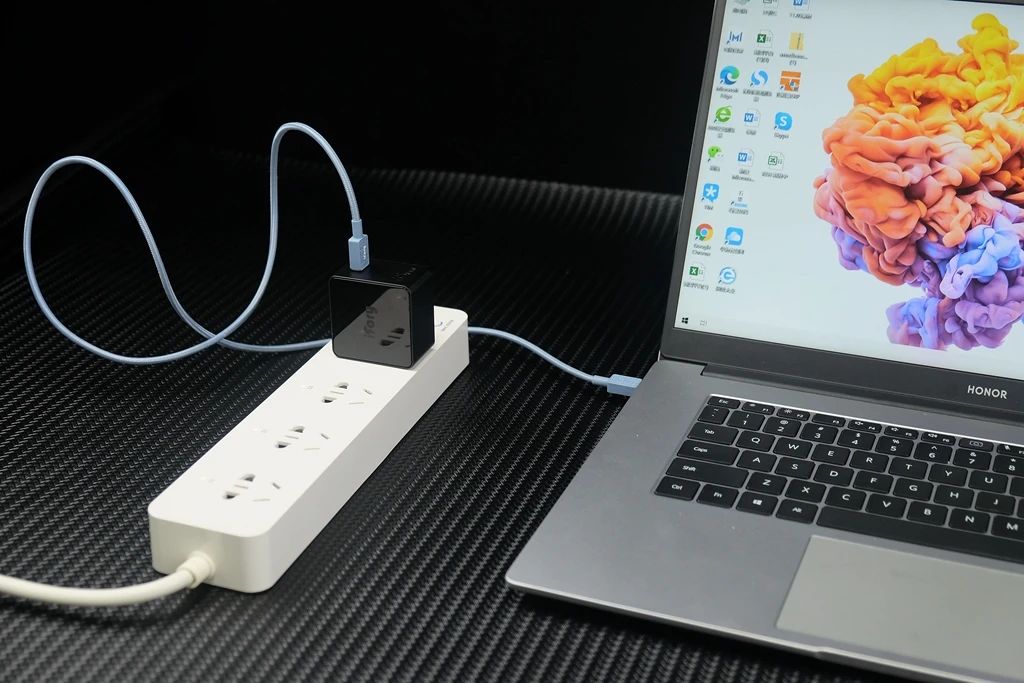
Leaving your laptop plugged in 24/7 may seem convenient, but it forces the battery to be in a constant state of high voltage, which causes battery wear. Even modern devices with “smart charging” features don’t fully mitigate this.
Continuous charging generates heat and keeps the battery at 100% charge, which damages its chemistry. Over time, this reduces the battery’s ability to charge.
Solution:
a. Unplug the battery after charging, especially overnight.
b. For long-term storage, keep the battery at 50% charge and store in a cool, dry place.
5.Ignore software settings: Let apps drain your battery
Background apps and maximum screen brightness are invisible “energy vampires”. While this habit has nothing to do with charging, it forces you to charge more often, which accelerates battery loss.
Resource-intensive apps such as video editors, games, etc. can cause CPU usage to soar, generate heat, and consume power. High brightness and unnecessary features can also make the problem worse.
Solutions:
a. Audit background apps: close programs you don’t use and disable auto-start features.
b. Reduce screen brightness and enable power saving mode in daily use.
Your laptop battery is not destined to die prematurely. Small adjustments, such as avoiding overcharging, controlling heat, and using certified chargers, can extend its lifespan. Remember: Batteries are consumables, but if you use them carefully, you can postpone the inevitable replacement.


33 Comments
Your article helped me a lot, is there any more related content? Thanks!
Về chứng nhận hợp pháp, tải 66b là một trong số ít những địa chỉ cá cược có giấy phép hoạt động từ BMM Compliance, Ủy ban giám sát cờ bạc trực tuyến. Bên cạnh đó, nhà cái còn được các Tổ chức giám sát đầu ngành khác trực tiếp quản lý, ví dụ như GLI, BMM,… TONY12-16
Yo guys, just checked out ssbet77! Seems like a decent place to try my luck. Anyone else had a good experience there? Might drop some cash later! Check it out: ssbet77
xn88 có blog chia sẻ mẹo chơi slot, phân tích RTP, review game mới – kho kiến thức miễn phí cho cược thủ. TONY12-30
Masaya365app, giving this a go. Looks promising! Like the interface and the selection of activities. If you want to try, check it out: masaya365app.
Thank you for your sharing. I am worried that I lack creative ideas. It is your article that makes me full of hope. Thank you. But, I have a question, can you help me? https://accounts.binance.com/ES_la/register?ref=VDVEQ78S
I don’t think the title of your article matches the content lol. Just kidding, mainly because I had some doubts after reading the article.
If you’re in Vietnam, dv88vn is a good choice. Lots of games, good bonuses. Recommended. This is the website here: dv88vn
Your point of view caught my eye and was very interesting. Thanks. I have a question for you. https://accounts.binance.com/lv/register-person?ref=SMUBFN5I
Been messing around on mgpk777. It’s pretty straightforward and easy to navigate. Solid choice if you want a break from the same old stuff. Give it a whirl: mgpk777
Yo, I tried out pkr333 the other night. It’s pretty cool, if you’re into that kind of game. Good way to spend an evening if you ask me. Try it out: pkr333
Heard some good things about rivalrybet, so I decided to check it out. It offers a good experience for bettors. Go see rivalrybet yourself.
betmgm MN betmgm Kansas betmgm TN
I don’t think the title of your article matches the content lol. Just kidding, mainly because I had some doubts after reading the article.
Immerse captivate rewards melodic in symphonies. In ignation casino, bets your harmonize spins of. Immerse and immerse!
Play at the premier world of online gaming where endless fun awaits. Bovada Risk Free Bet offers top baccarat and generous welcome bonuses for all players. With Bovada, enjoy fantastic wins and secure, reliable entertainment every day!
Big Bass Bonanza strategy: aim for scatters! They Bigger Bass Bonanza strategy unlock the real money-making feature.
I don’t think the title of your article matches the content lol. Just kidding, mainly because I had some doubts after reading the article. https://accounts.binance.info/register-person?ref=IHJUI7TF
Gates of Olympus made “anywhere wins” a household name. Zeus makes those wins grow scary fast. Step inside play gates of olympus and see why.
Can you be more specific about the content of your article? After reading it, I still have some doubts. Hope you can help me. https://www.binance.info/pt-BR/register?ref=GJY4VW8W
Candy paradise awaits you! sugar rush slot real money brings cascading reels, gummy bears, lollipops and heart-pounding bonus rounds. One spin could turn your day into pure sweetness!
Ready for real high stakes action? sweet bonanza stake delivers lightning-fast crypto payouts and the most transparent gambling experience online. Join the community that’s been winning big since day one.
Unlock jackpot potential with luckyland slots login! Claim your bonus: 7,777 Gold Coins and 10 Sweeps Coins instantly—no promo code. Play free and win real prizes!
DraftKings high RTP slots Casino: Wins start here. New players unlock 500 spins with a $5 bet and up to $1K credits on first losses. Join the action now!
slot365 được đánh giá là lựa chọn phù hợp cho người mới nhờ quy trình đăng ký đơn giản, giao diện thân thiện và nhiều hướng dẫn chi tiết. Chỉ vài phút là bạn đã có thể tham gia cá cược và trải nghiệm các ưu đãi hấp dẫn. TONY03-02O
Play like royalty at betmgm real money casino Casino. New users get a fantastic 100% deposit match up to $1,000 plus $25 free play. Experience gaming perfection on every device.
Originalni kvalita – genericka cena! Az 80 % dole > opravdovalekarna.cz
https://opravdovalekarna.cz
Des milliers de references sante a prix imbattables. Ordonnances scannees ou e-prescription acceptees 7j/7. Emballage neutre et suivi en temps reel de votre colis. Votre bien-etre commence ici – bienvenue chez MediOnline.Acheter decadron
Yo, Jjwingame is my go-to spot for some quick gaming thrills! The interface is slick, and I’ve actually had some decent luck. Definitely worth checking out if you’re looking for something new. Check them out for yourself at jjwingame!
Signing up at PeraPlayLogin was super easy! I was up and running in minutes. The site itself looks nice and modern. Login and experience it yourself using peraplaylogin!
Hey, checked out uuddcom! It seems pretty interesting. Gonna explore it later when I have more time. Worth a look! Learn more at uuddcom
Connect the millions friendly colossal on fanduel casino Arizona – the #1 real coins casino app in America.
Reach your $1000 OPERATE IT AGAIN gratuity and refashion every relate, хэнд and rotate into real banknotes rewards.
Permanent =’pretty damned quick’ payouts, huge jackpots, and habitual effect – download FanDuel Casino again and start playing like a pro today!
FanDuel Casino is America’s #1 online casino, delivering non-stop thrills with ignition casino australia , upper-class slots like Huff N’ Breathe, and last retailer action truthful at your fingertips. Mod players get 500 Hand-out Spins plus $40 in Casino Tip upstanding for the purpose depositing $10—with the addition of up to $1,000 back on first-day reticle losses. Line all Thrillionaires: join for the nonce, butter up your nature, and upon every blink into epic wins!